
Required Attribute
When filling out an input field in a form is mandatory, the required attribute is used on that input element.The required attribute visually indicates to the user that the <input> element must be filled out.
The required attribute only checks whether there is a value, so it treats whitespace as valid.
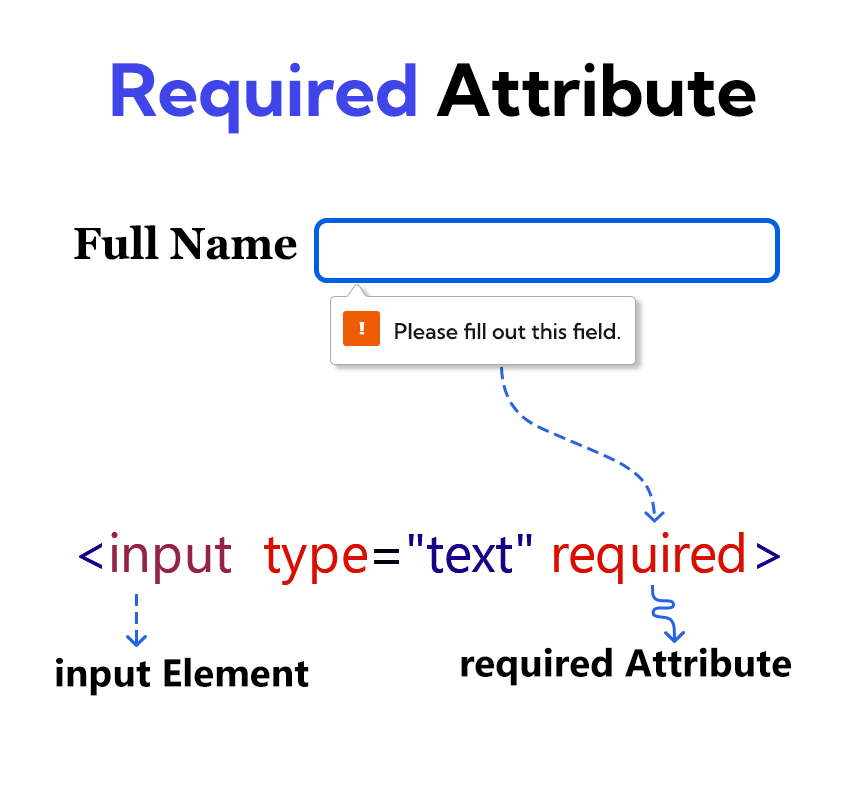
Example
<!DOCTYPE html>
<html lang="en">
<head>
    <meta charset="UTF-8">
    <meta name="viewport" content="width=device-width, initial-scale=1.0">
    <title>Document</title>
</head>
<body>
    <form>
        <label for="user-name">Full Name</label>
        <input type="text" id="user-name" required>
        <br><br>
        <input type="submit" value="Submit">
    </form>
</body>
</html>