
Step Attribute
This attribute applies to the numeric type. The step attribute determines how small or large the step will be when changing the value of the <input> element.
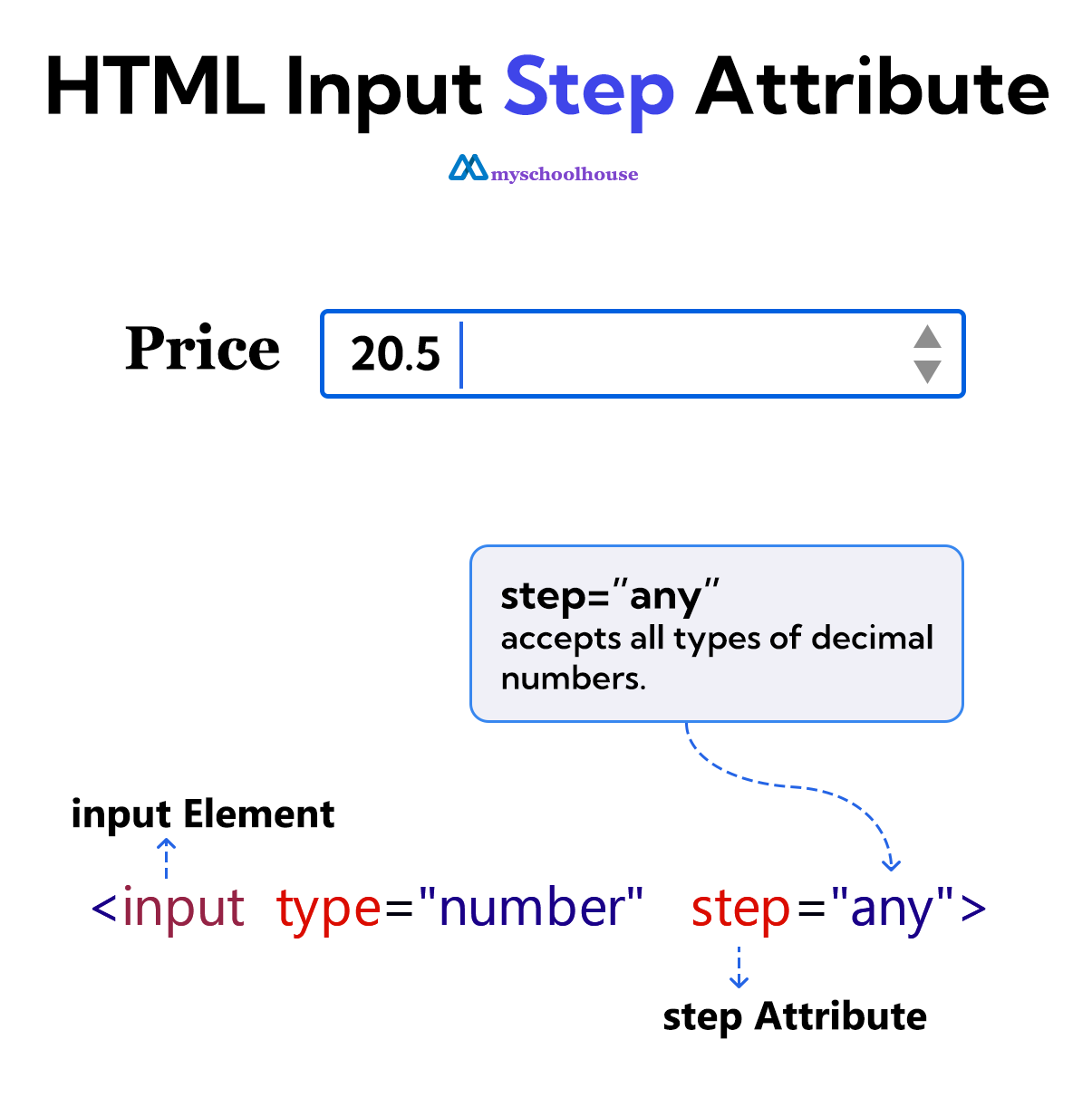
The any keyword is used to allow the <input> element to accept decimal numbers.
The step attribute sets a step on the <input> element. Based on this step, the user can increase or decrease the value.
The <input> types that support the step attribute are date, month, week, time, datetime-local, number, and range.
Example
<!DOCTYPE html>
<html lang="en">
<head>
    <meta charset="UTF-8">
    <meta name="viewport" content="width=device-width, initial-scale=1.0">
    <title>Document</title>
</head>
<body>
    <form>
        <label for="price">Price</label>
        <input type="number" id="price" step="any">
        <br><br>
        <input type="submit" value="Submit">
    </form>
</body>
</html>