
HTML Button Element
The <button> element is activated via keyboard, mouse, finger, and voice commands. When the button is activated, a specific action is completed. such as submitting a form, opening a modal, etc.
The type attribute controls the behavior of the <button> element. Three special keywords are used in this type of attribute. such as button, reset and submit.
Click on these links to learn more about keywords:
The input button is now rarely used because it has no closing tag. Therefore, the button element is used instead of the input button.
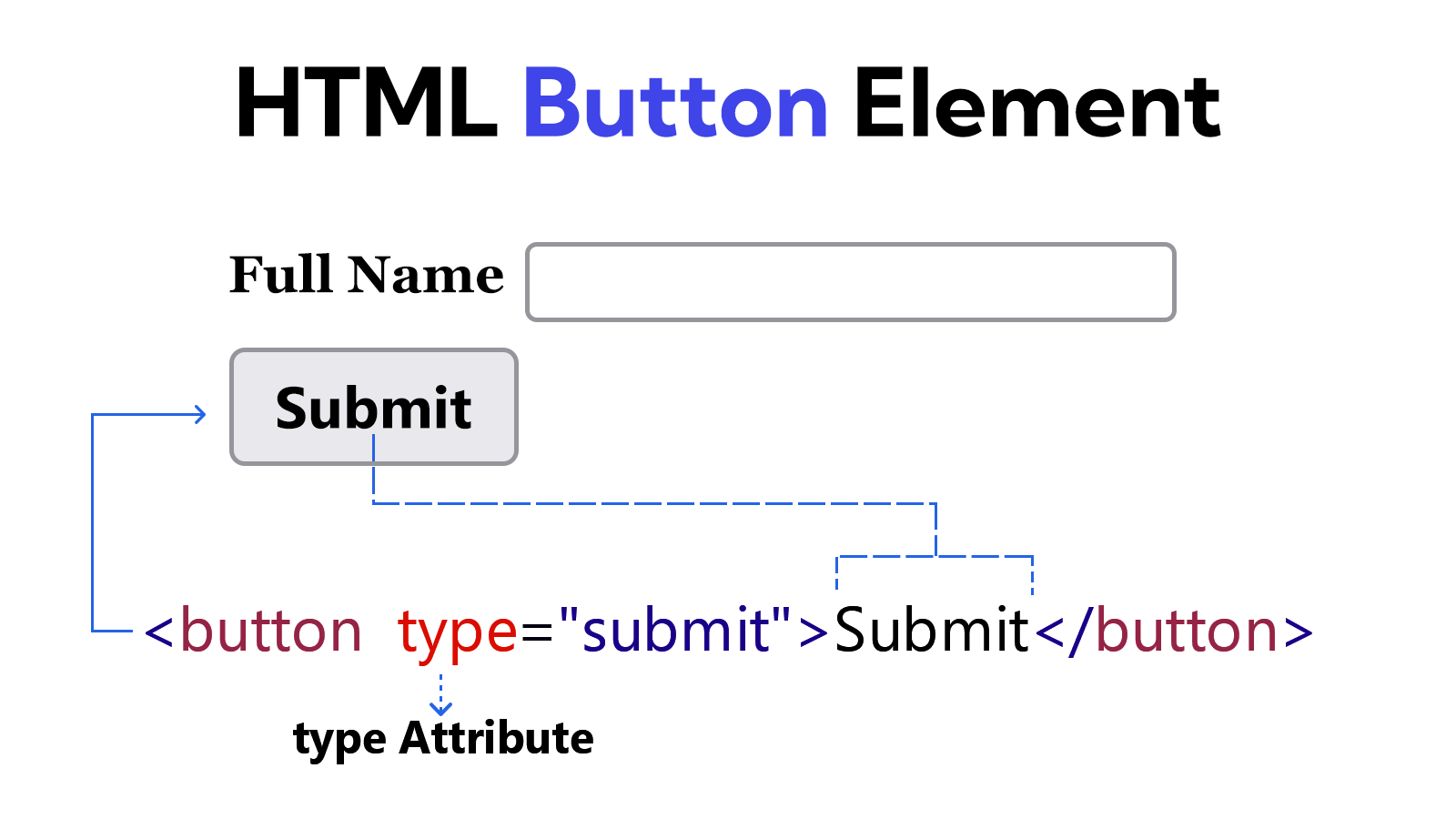
Example
<!DOCTYPE html>
<html lang="en">
<head>
    <meta charset="UTF-8">
    <meta name="viewport" content="width=device-width, initial-scale=1.0">
    <title>Document</title>
</head>
<body>
    <form>
        <label for="user-name">Full Name</label>
        <input type="text" id="user-name"> <br><br>

        <button type="submit">Submit</button>
    </form>
</body>
</html>