
Pattern Attribute
The pattern attribute is used to check the value of an <input> element. In this pattern attribute, the regular expression pattern is used. If the value of the <input> element is not according to the pattern of the regular expression, then the value is not valid.
The short name for regular expression is Regex. The Regex pattern plays a crucial role in searching for and manipulating text. It's more convenient to use a regex pattern than to write a lot of programming code.
Some details on Regex syntax
[0-9] means it will accept any single digit from 0 to 9 (0, 1, 2, 3, 4, 5, 6, 7, 8, 9).
{10} indicates how many times the item preceding {} can be used.
The title attribute is used to provide a description for the pattern attribute. This title attribute is displayed as a tooltip, which helps the user to understand the purpose of the element.
Note: The pattern attribute is used for text-based input.
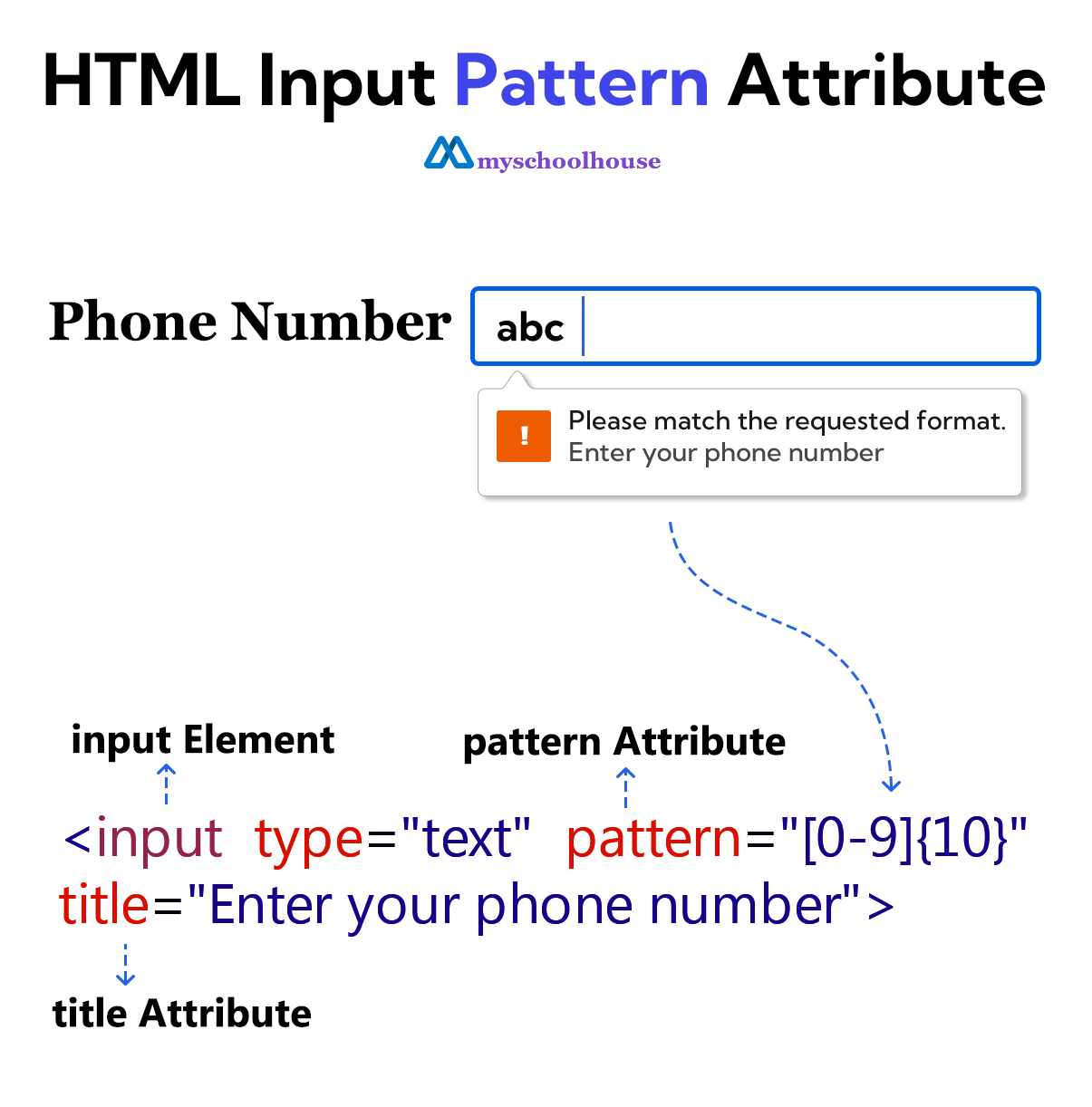
Example
<!DOCTYPE html>
<html lang="en">
<head>
    <meta charset="UTF-8">
    <meta name="viewport" content="width=device-width, initial-scale=1.0">
    <title>Document</title>
</head>
<body>
    <form>
        <label for="phone-number">Phone Number</label>
        <input type="text" id="phone-number" pattern="[0-9]{10}" title="Enter your phone number">
        <br><br>
        <input type="submit" value="Submit">
    </form>
</body>
</html>