
Value Attribute
The value attribute is used to set the default value in the <input> element of HTML or to show old data in the form edit field.
The value attribute is used to collect or set the value of input element in the field of JavaScript.
The <input> types that support the value attribute are hidden, text, search, tel, url, email, password, date, month, week, time, datetime-local, number, range, color, checkbox, radio, file, submit, image, reset, button.
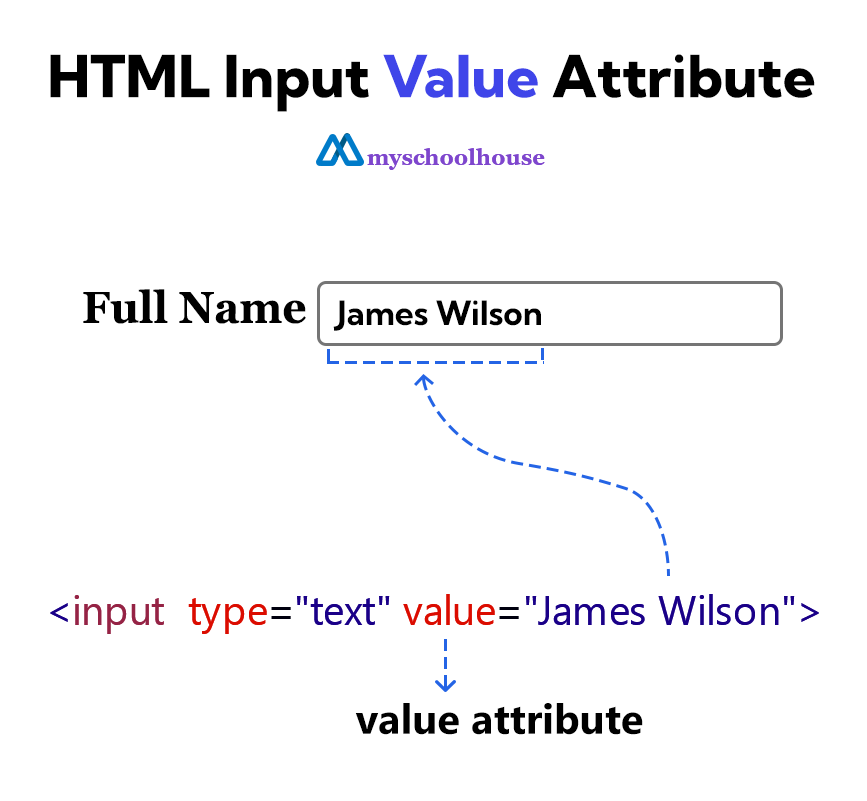
Example
<!DOCTYPE html>
<html lang="en">
<head>
    <meta charset="UTF-8">
    <meta name="viewport" content="width=device-width, initial-scale=1.0">
    <title>Document</title>
</head>
<body>
    <h3>Edit Your Profile</h3>
    <form>
        <label for="full-name">Full Name</label>
        <input type="text" id="full-name" value="James Wilson">
        <br><br>
        <label for="user-email">Email</label>
        <input type="email" id="user-email" value="james@example.com">
        <br><br>
        <label for="user-address">Address</label>
        <input type="text" id="user-address" value="24 Oxford Street, London, UK">
        <br><br>
        <input type="submit" value="Submit">
    </form>
</body>
</html>