
Checked Attribute
The checked attribute gives the user an indication of which item in a list are currently checked by default.
The checked attribute is a boolean attribute. This attribute specifies a default checked state for the <input> element. The checked attribute is used on two <input> types: checkbox and radio.
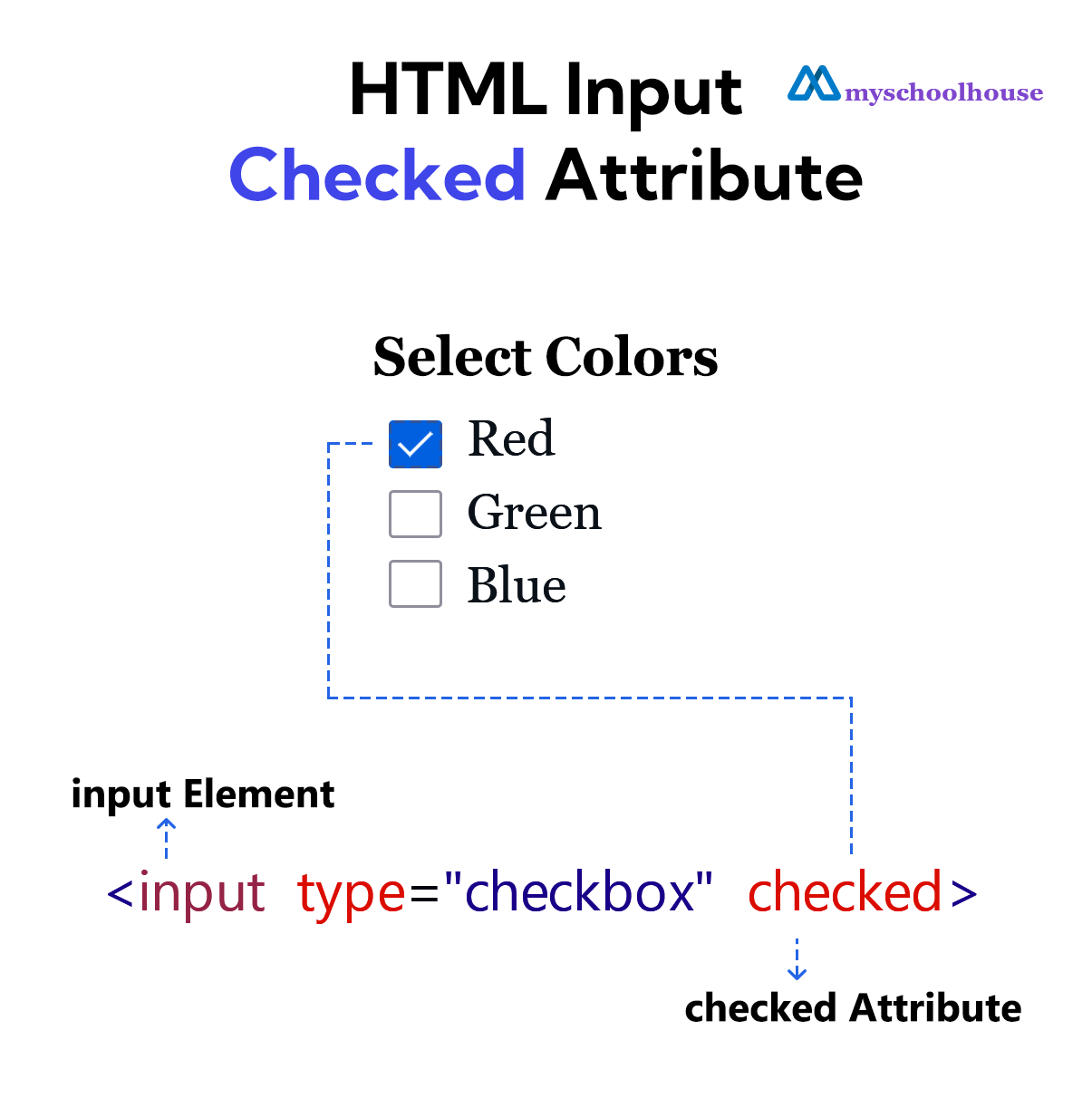
Example
<!DOCTYPE html>
<html lang="en">
<head>
    <meta charset="UTF-8">
    <meta name="viewport" content="width=device-width, initial-scale=1.0">
    <title>Document</title>
</head>
<body>
    <form>
        <h2>Select Colors</h2>
        <input type="checkbox" id="red" checked>
        <label for="red">Red</label><br>

        <input type="checkbox" id="green">
        <label for="green">Green</label><br>

        <input type="checkbox" id="blue">
        <label for="blue">Blue</label><br>

        <br><br>
        <input type="submit" value="Submit">
    </form>
</body>
</html>