
Input Type Checkbox
Input type="checkbox" represents two states: checked and unchecked. If the element is checked, it indicates a positive state, and if it is unchecked, it indicates a negative state.
To create a checkbox, the type="checkbox" attribute is used in the input element. To retrieve the value of a checkbox, the input element must first be checked; then the value is taken.
Some attributes can be used with this input element: the checked and required attributes.
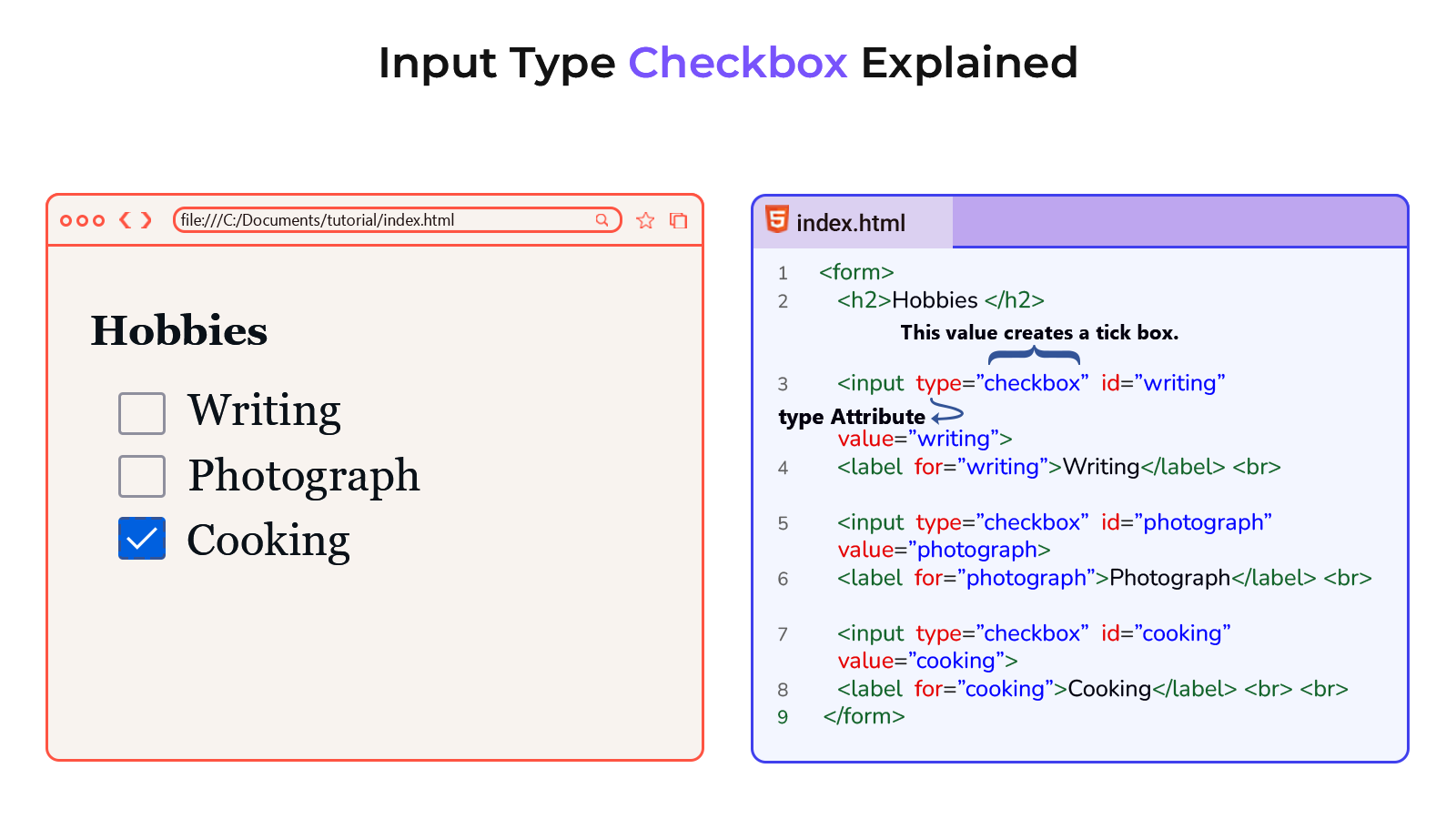
Example
<!DOCTYPE html>
<html lang="en">
<head>
    <meta charset="UTF-8">
    <meta name="viewport" content="width=device-width, initial-scale=1.0">
    <title>Document</title>
</head>
<body>
    <form>
        <h2>Hobbies</h2>

        <input type="checkbox" id="writing" value="writing">
        <label for="writing">Writing</label> <br>

        <input type="checkbox" id="photograph" value="photograph">
        <label for="photograph">Photograph</label> <br>

        <input type="checkbox" id="cooking" value="cooking">
        <label for="cooking">Cooking</label> <br><br>

        <input type="submit" value="Submit">
    </form>
</body>
</html>