
Input Type Image Button
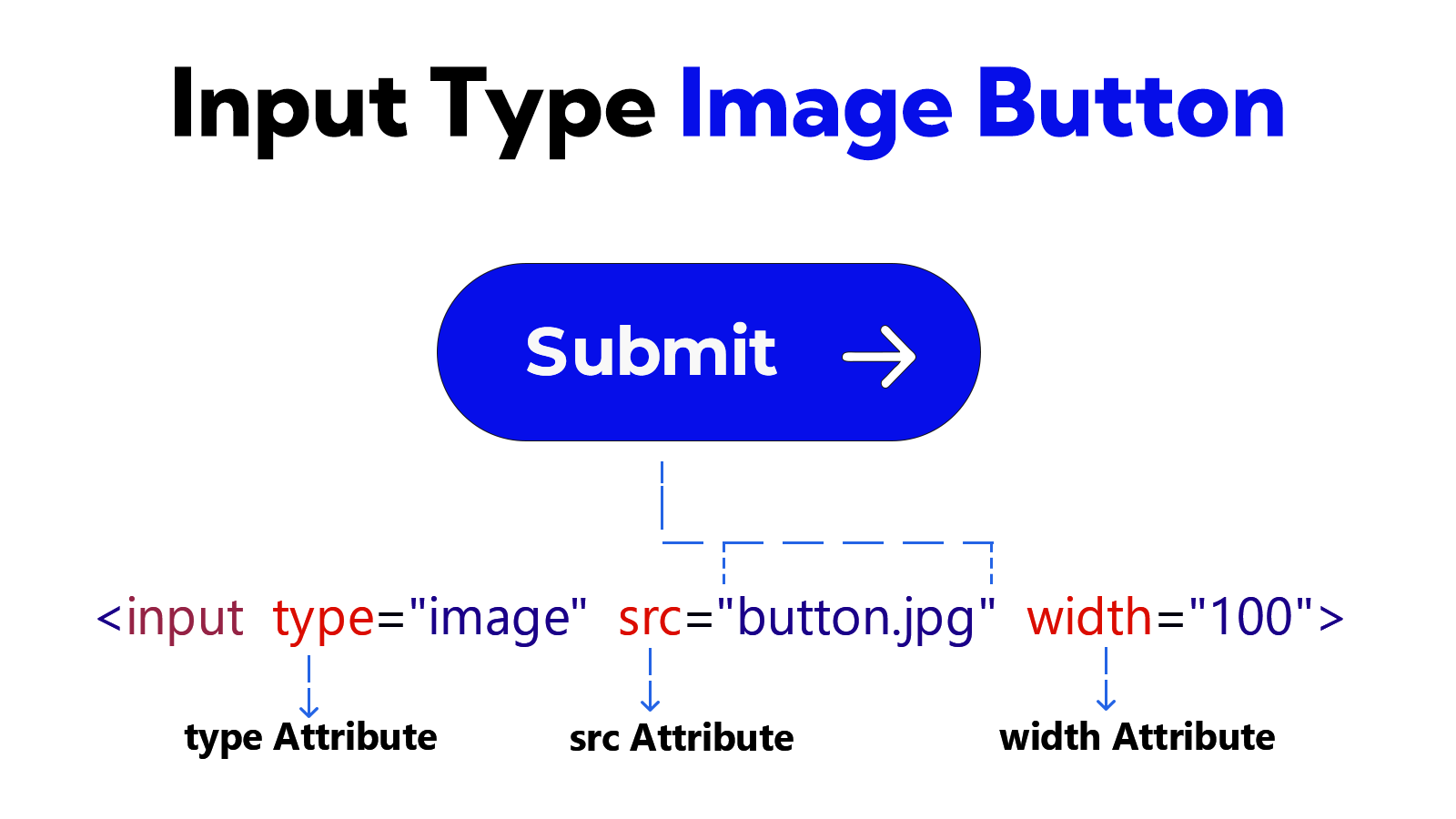
To use an image instead of text on a form submit button, the type="image" attribute is used with the <input> element. The image works just like the submit button.
In the <input type = "image"> element, the path of the image is placed between the src attributes. This element supports some attributes: src, width, height, alt, formation, formenctype, formmethod, formnovalidate, formtarget, popovertarget and popovertargetaction.
Example
<!DOCTYPE html>
<html lang="en">
<head>
    <meta charset="UTF-8">
    <meta name="viewport" content="width=device-width, initial-scale=1.0">
    <title>Document</title>
</head>
<body>
    <form>
        <label for="user-name">Full Name</label>
        <input type="text" id="user-name"> <br><br>
        <input type="image" src="/images/example/button.jpg" width="100" alt="button">
    </form>
</body>
</html>