
Input Type Local Date and Time
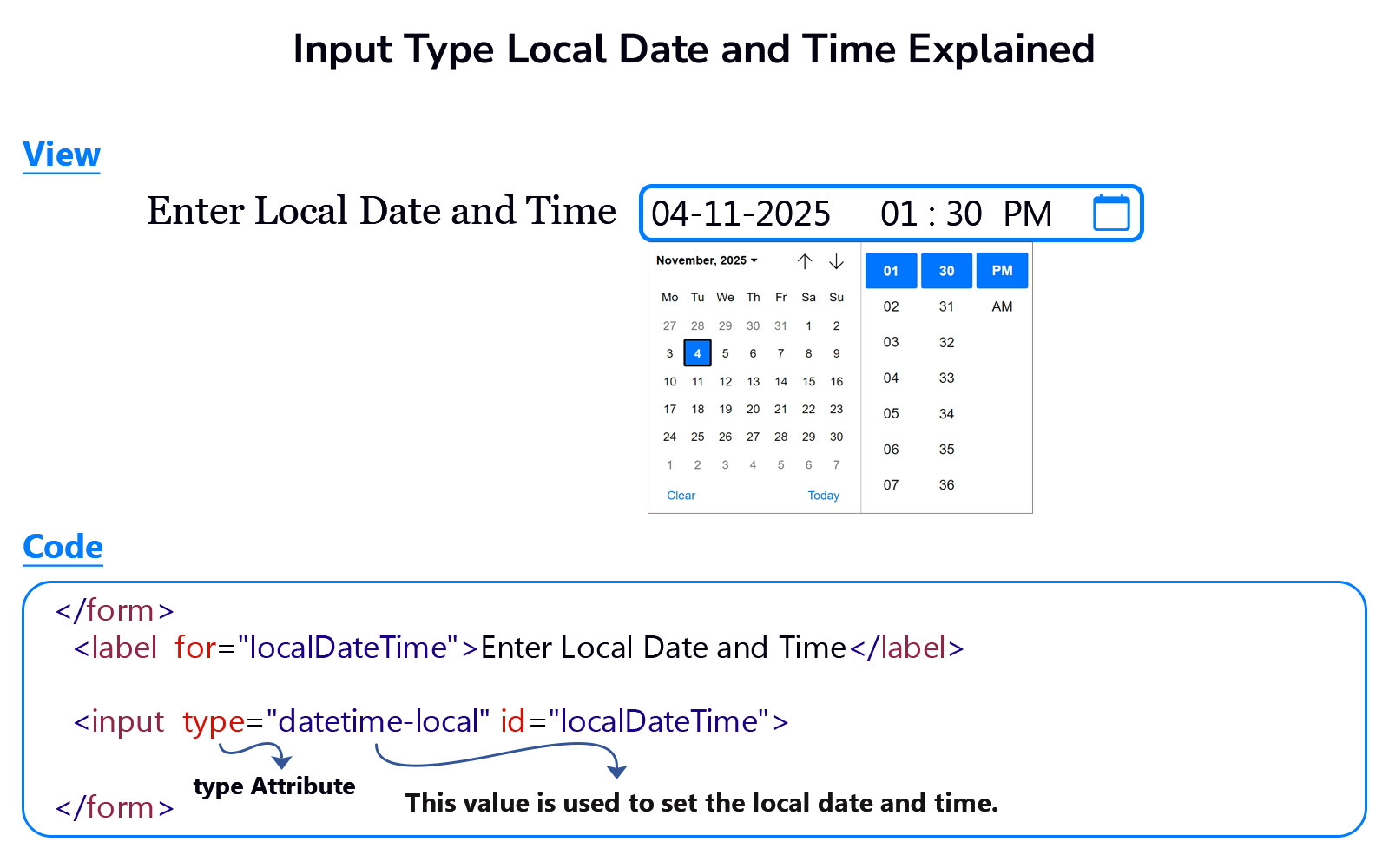
Input type="datetime-local" represents a control in the input element. The user can use this control to set a local date and time in the input element without time zone offset information.
The user may leave this input element empty, but if the user sets a date and time, it must be a valid local date and time. User can change this date and time.
Note: Some browsers do not display the time picker in the input element.
Example
<!DOCTYPE html>
<html lang="en">
<head>
    <meta charset="UTF-8">
    <meta name="viewport" content="width=device-width, initial-scale=1.0">
    <title>Document</title>
</head>
<body>
    <form>
        <label for="localDateTime">Enter Local Date and Time</label>
        <input type="datetime-local" id="localDateTime">
        <input type="submit" value="Submit">
    </form>
</body>
</html>