
Input Type Range
To provide an approximate number between the minimum value and the maximum value, input type="range" is used. The browser provides a simple interface for the convenience of the user. input type="range" is used in various cases, such as volume control, brightness, age range selection, rating, etc.
To use this range, the range must be given in the type attribute of the input element.After that, the input element will display a range output in the browser. To control this input element, some attributes are used, such as min="", max="", step="", etc.
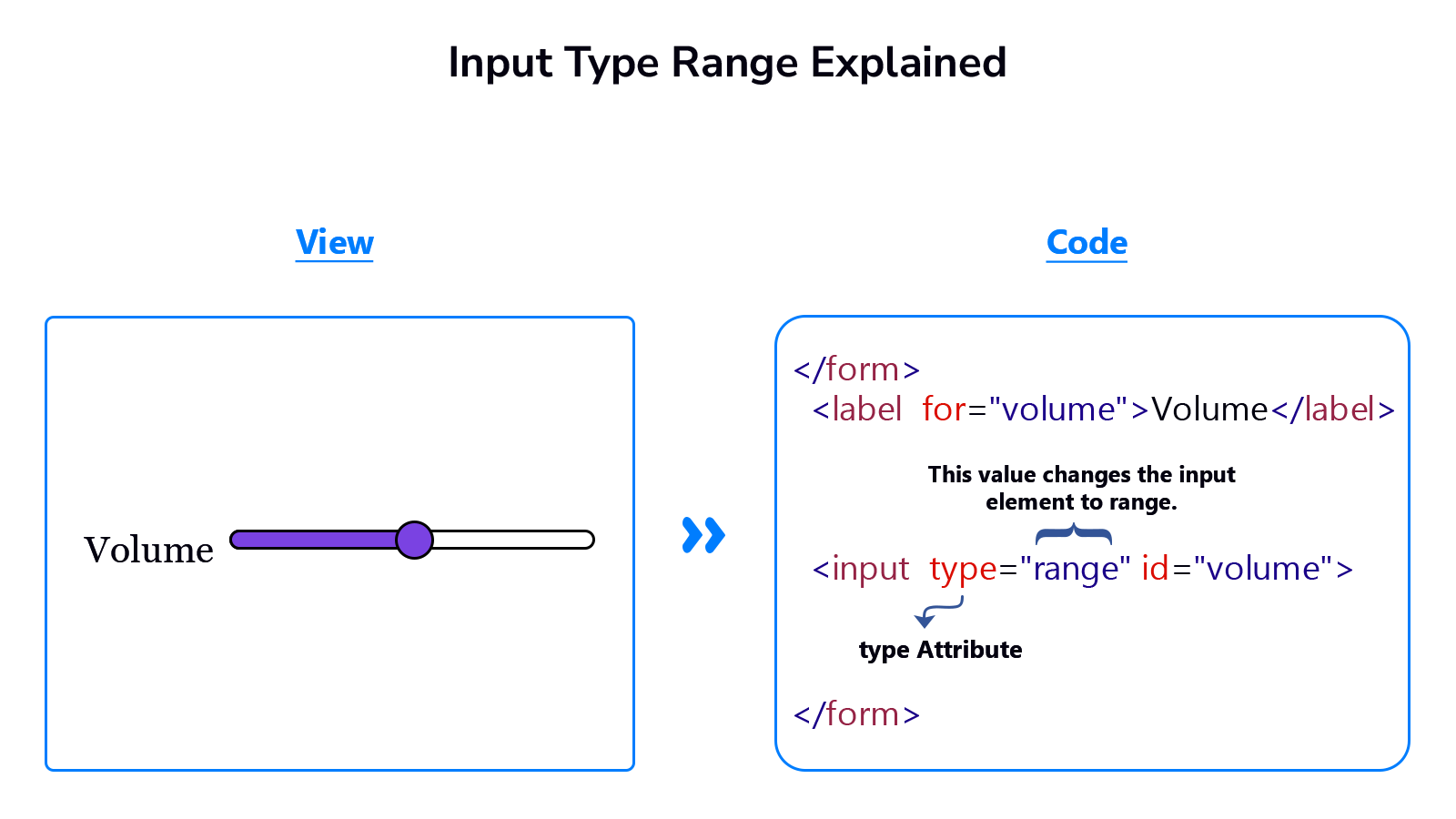
Example
<!DOCTYPE html>
<html lang="en">
<head>
    <meta charset="UTF-8">
    <meta name="viewport" content="width=device-width, initial-scale=1.0">
    <title>Document</title>
</head>
<body>
    <form>
        <label for="volume">Volume</label>
        <input type="range" id="volume" >
        <input type="submit" value="Submit">
    </form>
</body>
</html>