
Input Type Color
Input type="color" provides a color picker to the user. User can easily choose a color using this color picker.
Note: One thing to remember here, there is no way to set empty string for user. In this case, a default color can be set for the convenience of the user.
The "color" value is used in the type attribute of the input element. As an output, a color picker is displayed in the browser. This type="color" converts the color into the sRGB color space, and its value remains within 8 bits. For this reason, the color is displayed in HEX format like "#123456".
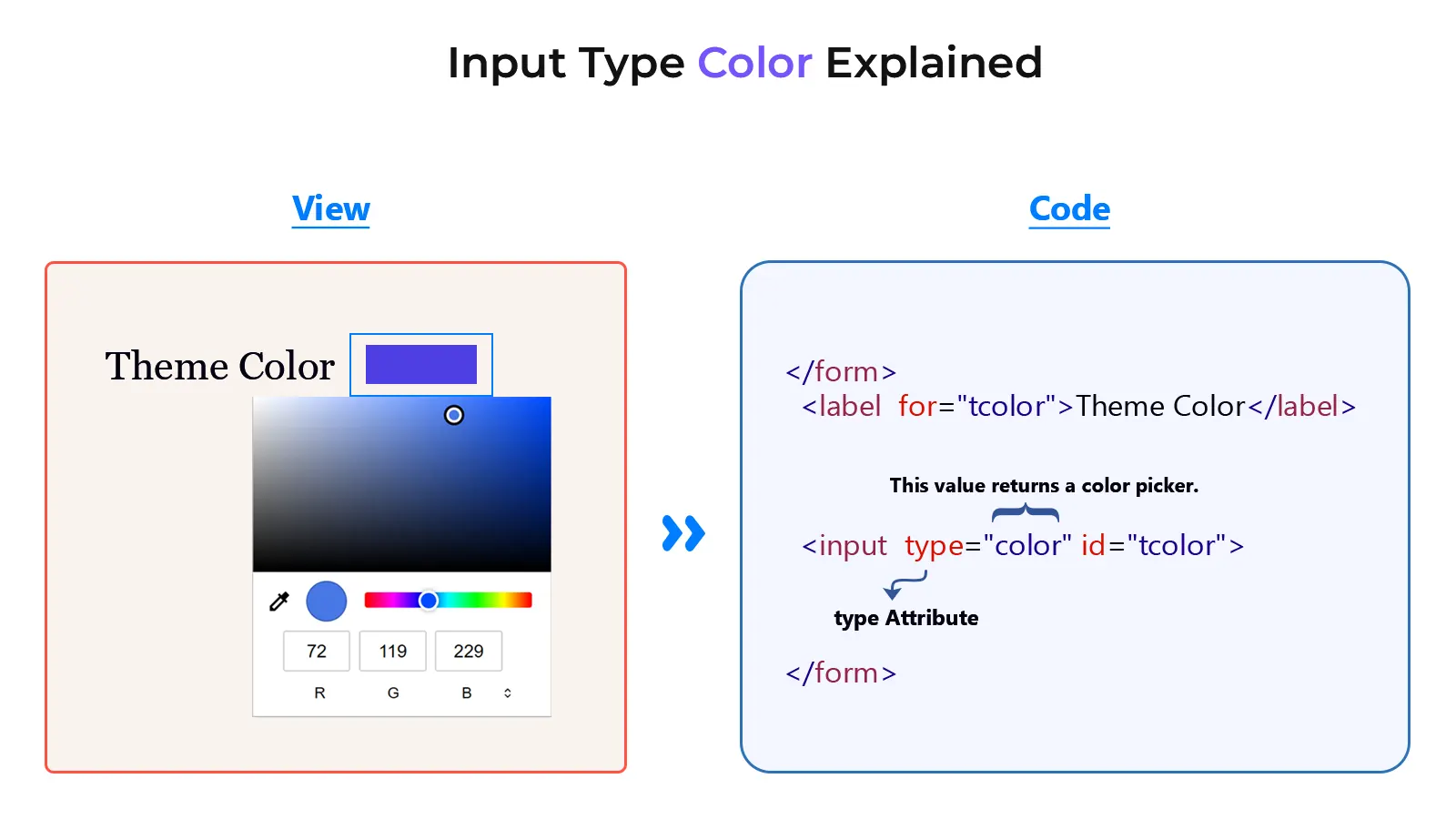
Example
<!DOCTYPE html>
<html lang="en">
<head>
    <meta charset="UTF-8">
    <meta name="viewport" content="width=device-width, initial-scale=1.0">
    <title>Document</title>
</head>
<body>
    <form>
        <label for="tcolor">Theme Color</label>
        <input type="color" id="tcolor">
        <input type="submit" value="Submit">
    </form>
</body>
</html>