
Input Type Button
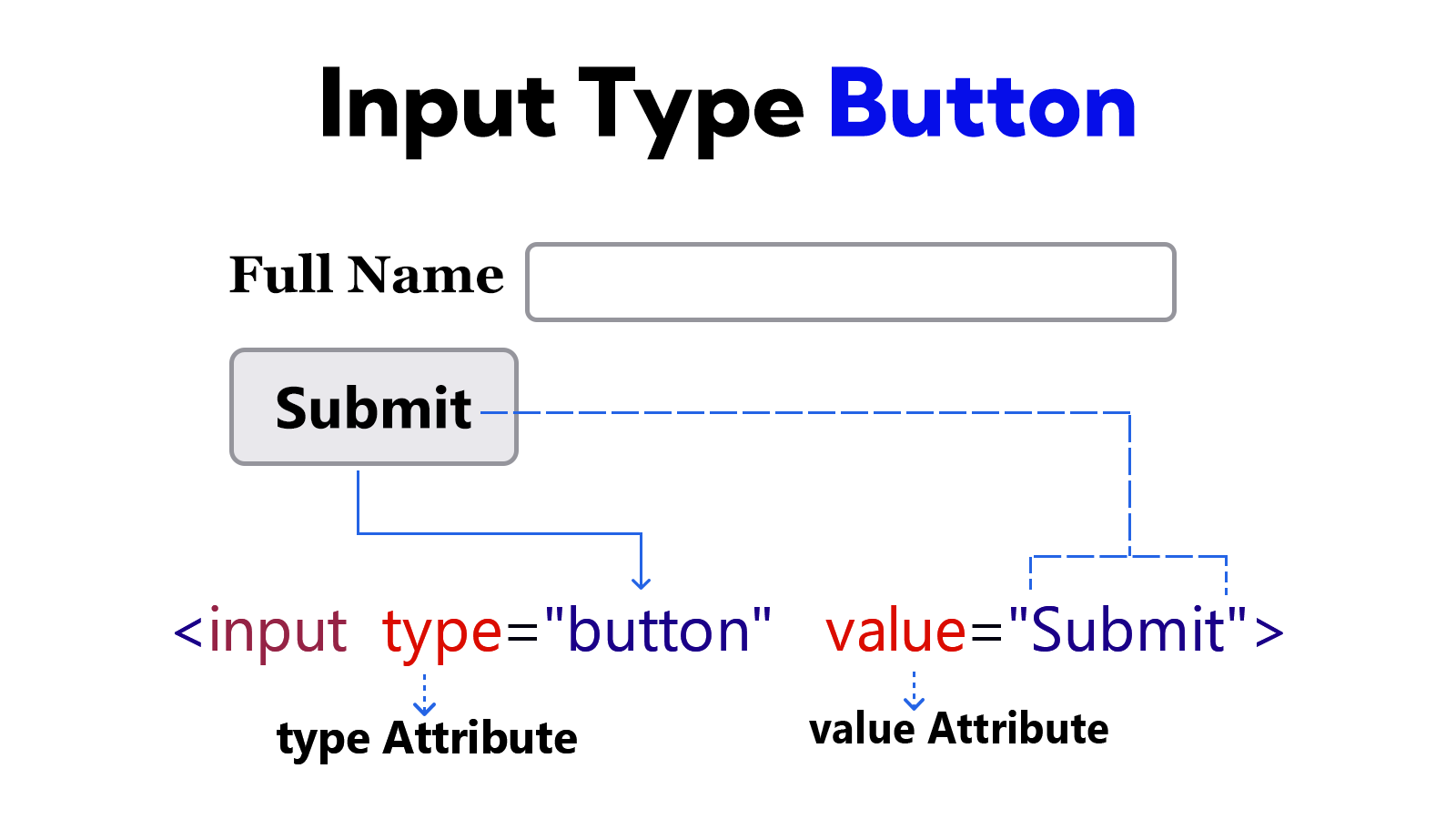
<input type="button"> has no default functionality. Clicking this button does not refresh the page. So some tasks are completed using JavaScript. For example: form validation, loading status, AJAX submit, etc.
The value attribute is used on this <input> element. The value of this attribute is displayed as the button label.
Example
<!DOCTYPE html>
<html lang="en">
<head>
    <meta charset="UTF-8">
    <meta name="viewport" content="width=device-width, initial-scale=1.0">
    <title>Document</title>
</head>
<body>
    <form>
        <label for="user-name">Full Name</label>
        <input type="text" id="user-name"> <br><br>

        <input type="button" value="Submit">
    </form>
</body>
</html>