
Input Type Reset Button
<input type = "reset"> is a form reset button. Clicking this button restores the default state of all inputs in the HTML form.
Note: One thing to keep in mind is that this reset button is not currently in use. The reason is that if the reset button is mistakenly clicked, the form reverts to its previous state, which is very frustrating for the user.
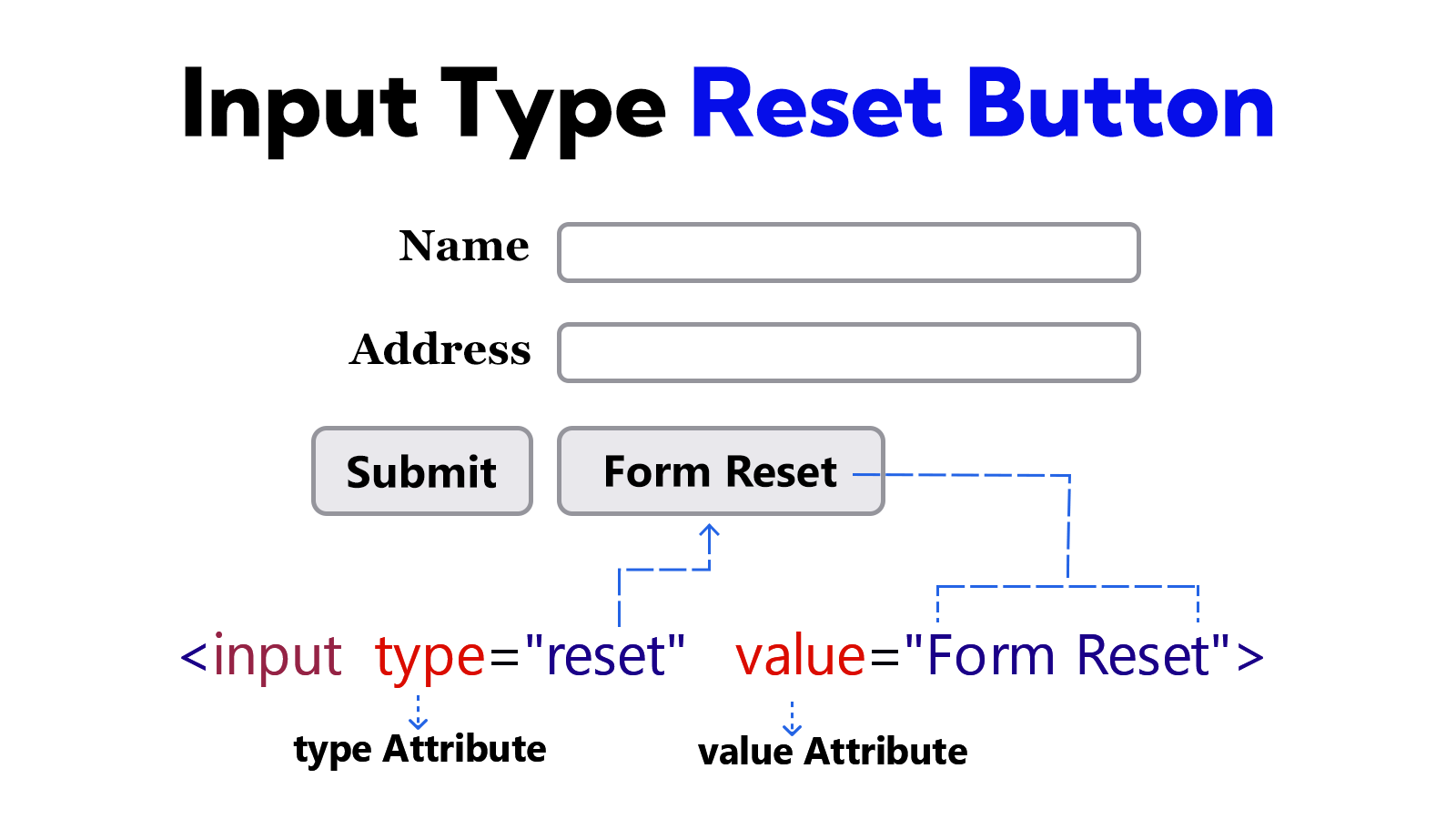
Example
<!DOCTYPE html>
<html lang="en">
<head>
    <meta charset="UTF-8">
    <meta name="viewport" content="width=device-width, initial-scale=1.0">
    <title>Document</title>
</head>
<body>
    <form>
        <label for="user-name">Name</label>
        <input type="text" id="user-name"> <br><br>

        <label for="address">Address</label>
        <input type="text" id="address"> <br><br>

        <input type="submit" value="Submit">
        <input type="reset" value="Form Reset">
    </form>
</body>
</html>