
Placeholder Attribute
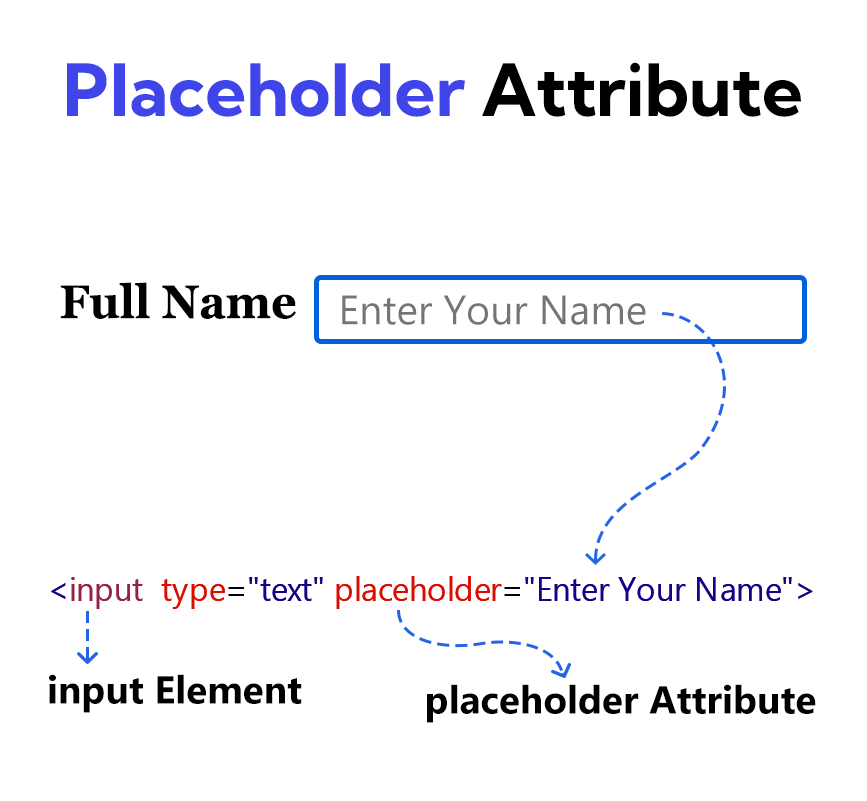
The placeholder attribute gives the user a brief hint about what kind of information can be provided in an empty input field.
The text of the placeholder is light gray in color and the text of the placeholder is not visible if any value is given to this <input> element.
The placeholder attribute is not used instead of the <label> element. Because when you provide a value in the <input> element, the placeholder text disappears.
Example
<!DOCTYPE html>
<html lang="en">
<head>
    <meta charset="UTF-8">
    <meta name="viewport" content="width=device-width, initial-scale=1.0">
    <title>Document</title>
</head>
<body>
    <form>
        <label for="full-name">Full Name</label>
        <input type="text" id="full-name" placeholder="Enter Your Name">
        <br><br>
        <input type="submit" value="Submit">
    </form>
</body>
</html>