
Input Type File
The input type = "file" is used so that the user can upload the files stored on his own device to the server.
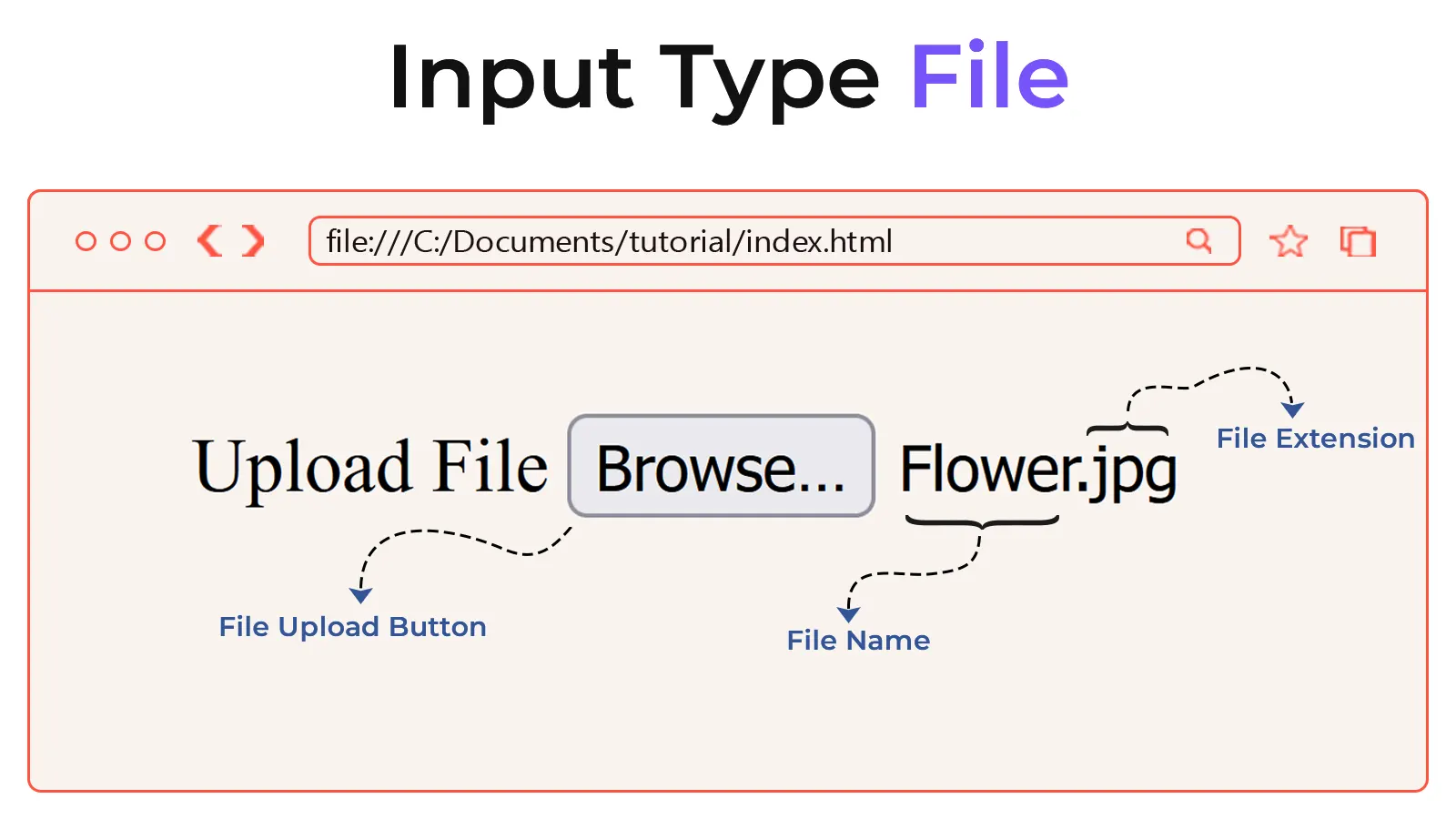
Input type="file" Creates a file upload box on the web page. By clicking this box, users can select files stored on their devices. The name and extension of the selected file are displayed next to the file upload box.
Several attributes are used to define the conditions regarding which file the user selects and what its type will be. A list of these attributes is provided below.
- accept
- multiple
- required
Example
<!DOCTYPE html>
<html lang="en">
<head>
    <meta charset="UTF-8">
    <meta name="viewport" content="width=device-width, initial-scale=1.0">
    <title>Document</title>
</head>
<body>
    <form>
        <label for="user-file">Upload File</label>
        <input type="file" id="user-file"> <br><br>
        <input type="submit" value="Submit">
    </form>
</body>
</html>